WalkPadLog
Your walking pad training counts.
If you work at a desk with a walking pad, you know the problem: your Apple Watch can't count steps while your hands are on the keyboard. WalkPadLog tracks your workout anyway — as a real workout in Apple Health, with Activity Rings and heart rate.

Screenshots
Features
Count Steps Despite Typing
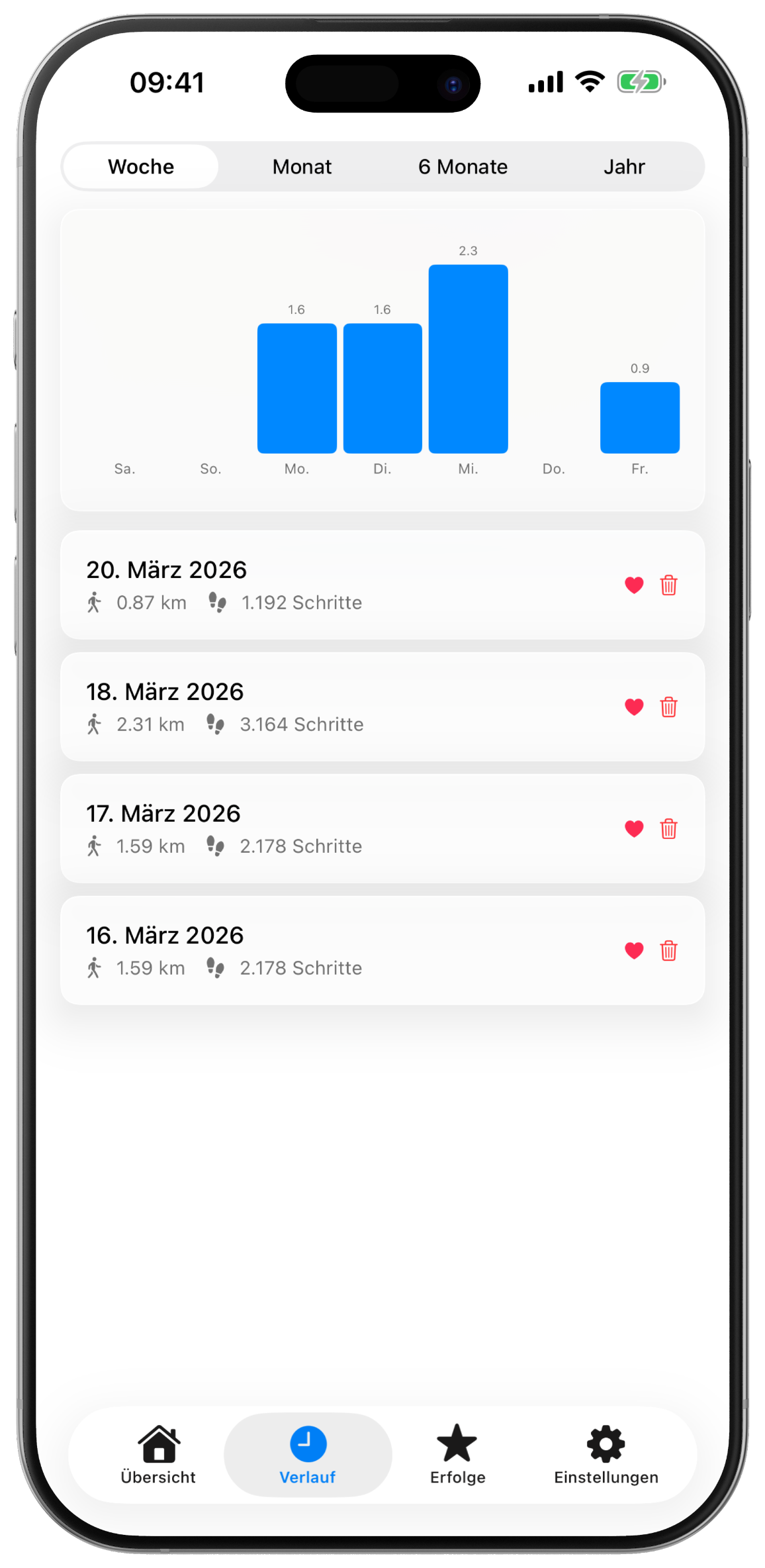
Your Apple Watch can't detect steps while your hands are on the keyboard — even though you're walking on your pad. WalkPadLog solves this: just enter the distance from your pad's display and your session is logged as a real workout.
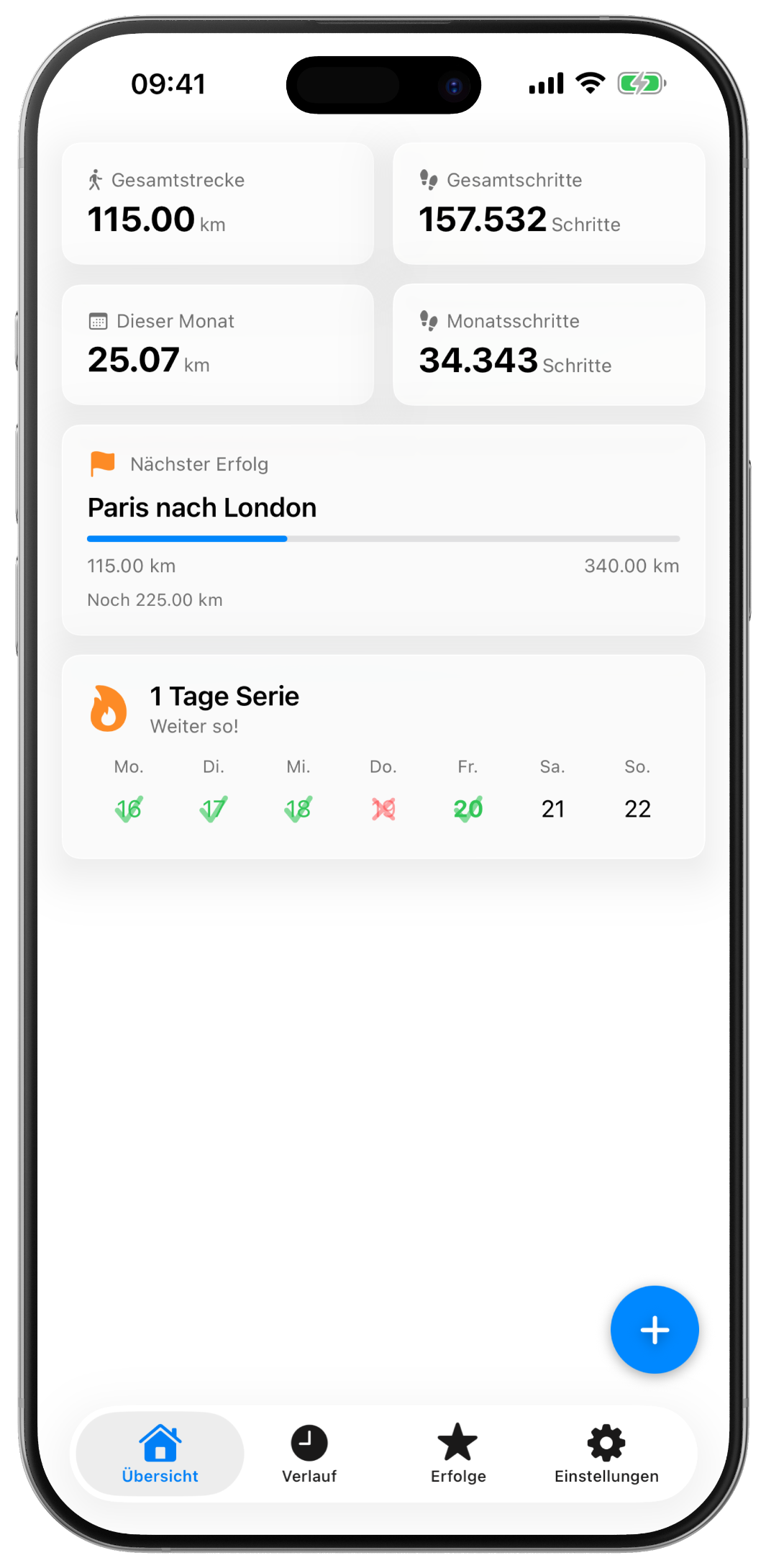
Build Your Streak
Set your walking days and build a daily streak. Smart reminders only notify you on days when you haven't walked yet.
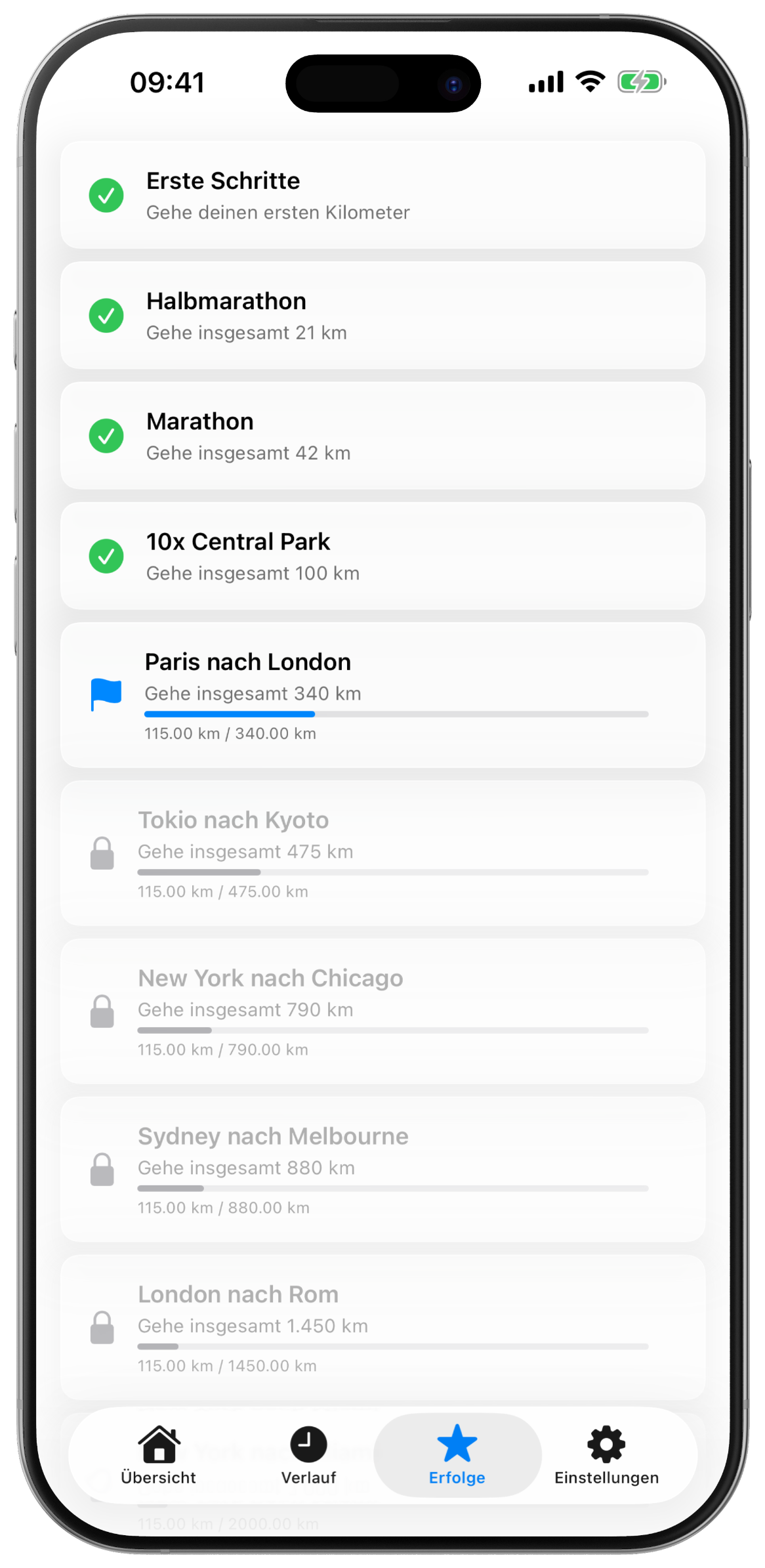
Unlock Achievements
12 milestone achievements named after famous routes: from First Steps (1 km) to Marathon (42 km) all the way to the Trans-Siberian Railway (3,500 km).
100% Private
All data stays on your device. No accounts, no servers, no analytics. Works completely offline.
Apple Health Integration
Every session is saved as an Indoor Walking Workout in Apple Health. Distance and workout minutes fill your Activity Rings — even when your Apple Watch can't detect steps at your desk. If you're wearing your Watch, your real heart rate is automatically assigned to the workout.
Important: Prioritize WalkPadLog in Health
Apple Health deduplicates steps from multiple sources. To ensure your walking pad steps are counted correctly, move WalkPadLog above iPhone and Apple Watch in the priority list: Health → Steps → Data Sources & Access → Edit → drag WalkPadLog to the top.

Download Now
Make every step on your walking pad count — even while working.
Apple, the Apple logo, iPhone, and Apple Health are trademarks of Apple Inc., registered in the U.S. and other countries. App Store is a service mark of Apple Inc.